
Unreal Engine plugins

Less busywork, more game

Tools to remove repetitive production work and help ship your projects faster.

Browse on Fab

Products

Procedural cables created with Tether in Unreal Engine

Tether

World building1.9.0 · UE 4.25–5.8

Create cables, ropes, chains and flexible pipes in the editor. Place a path and Tether simulates it against the level and generates a static mesh.
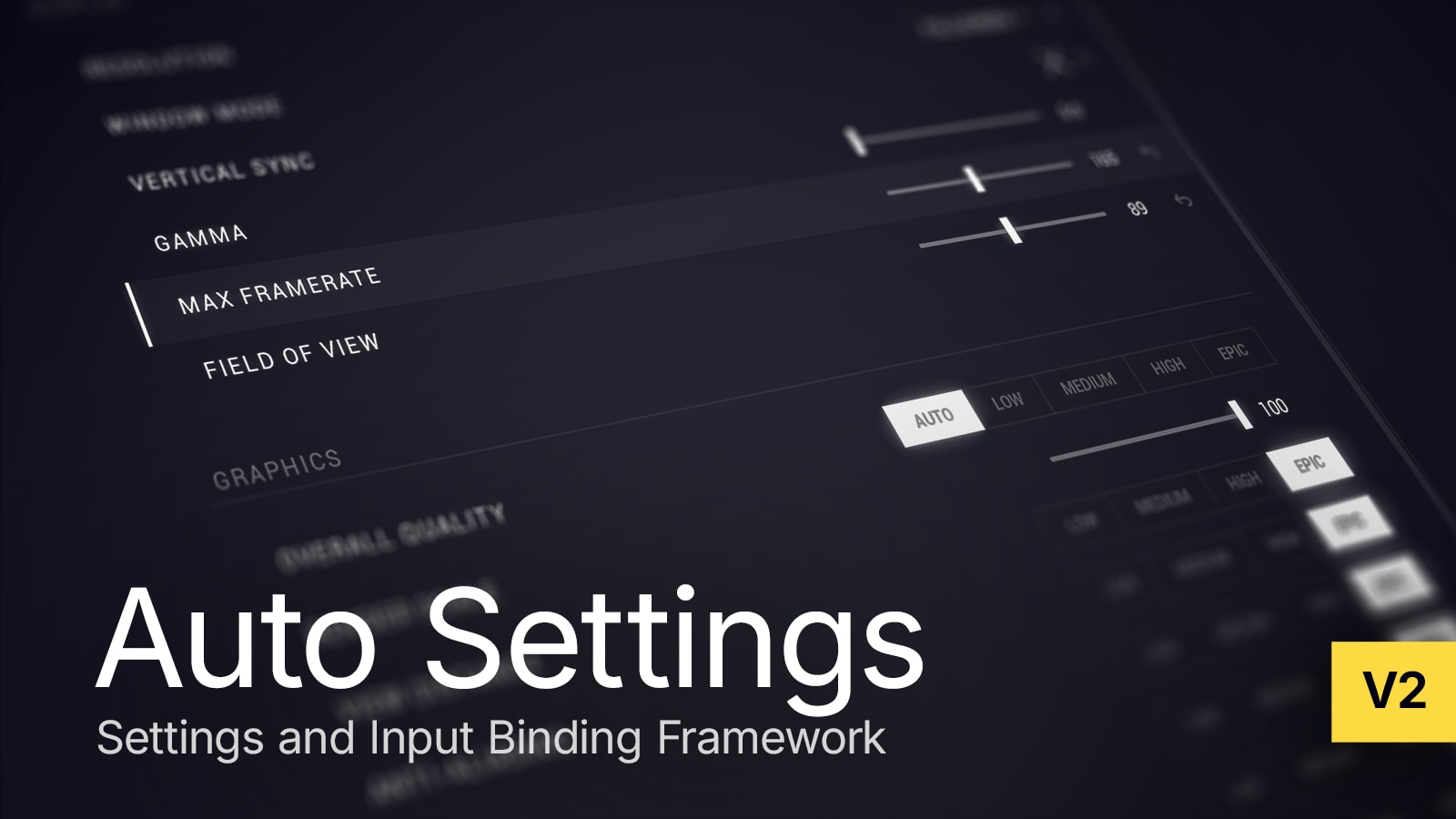
Auto Settings game options and input binding for Unreal Engine

Auto Settings

Game systems2.2.1 · UE 4.17–5.8

Game options menus and runtime input remapping. Configure UMG widgets while the plugin handles persistence, synchronization and per-player state.

Recent releases

Auto Settings1.34.0Compatibility release for UE 5.8.UE 5.8Auto Settings2.2.1Fixed Basic Input Mapping Selector displaying the example project's demo key label instead of the plugin-owned basic key label which was causing errors in some cases. Fixed initialization and PIE restoration for settings managed by another setting.UE 5.4–5.8Tether1.9.0UE 5.8 now supported. Fixed Clang compilation issues. Fixed log formatting issues.UE 5.6–5.8Auto Settings2.2.0New: UE 5.8 now supported. Input binding clear support for remapping widgets. InputMappingSettingWidget now supports clear actions during capture via ClearKeys. Added ClearMapping function to support manual clearing. Added support for configurable handling when a key is rejected during capture (continue capture vs. stop capture). Improved: Input capture control and filtering properties moved to InputMappingSettingWidget instead of the global input project settings. Existing values from the project settings are used as the defaults so that they are not lost. Fixed: Hardened rich text decorator rendering. Fixed crashes in decorator rendering when icon data is missing or the action is unbound. Added safe text fallback rendering (- when unbound). Added earlier validation for input mapping setting keys against authored mapping contexts to prevent ensure() being triggered later on. Example project: Added Escape and Gamepad Special Right as mapping capture escape key in WBP_DemoInputMappingSelector.UE 5.4–5.8Auto Settings1.33.0Added BindingClearKeys to the project settings to specify keys that should clear the current binding. Added manual unbind/clear support to InputMappingManager, BindCaptureButton, and BindCapturePrompt.UE 5.3–5.7

Need help?

Get help using a plugin, report a bug or request a feature.