UE 4.17–5.8
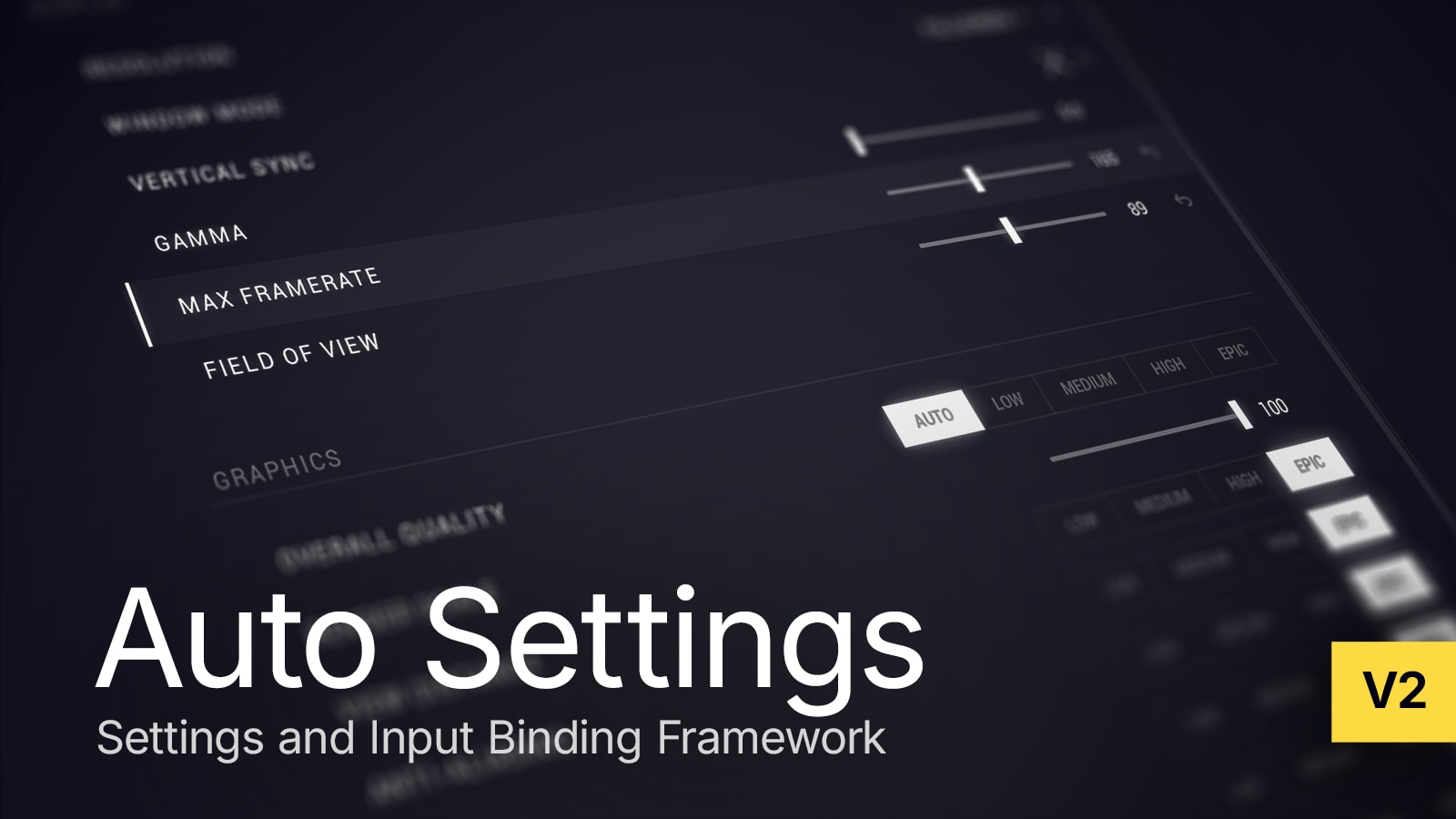
Auto Settings
Build settings menus and key binding screens in UMG while the plugin handles persistence, synchronization and per-player state.
Two ways to build your menu
Add setting widgets to a menu you design, or start from the example project's complete menu.
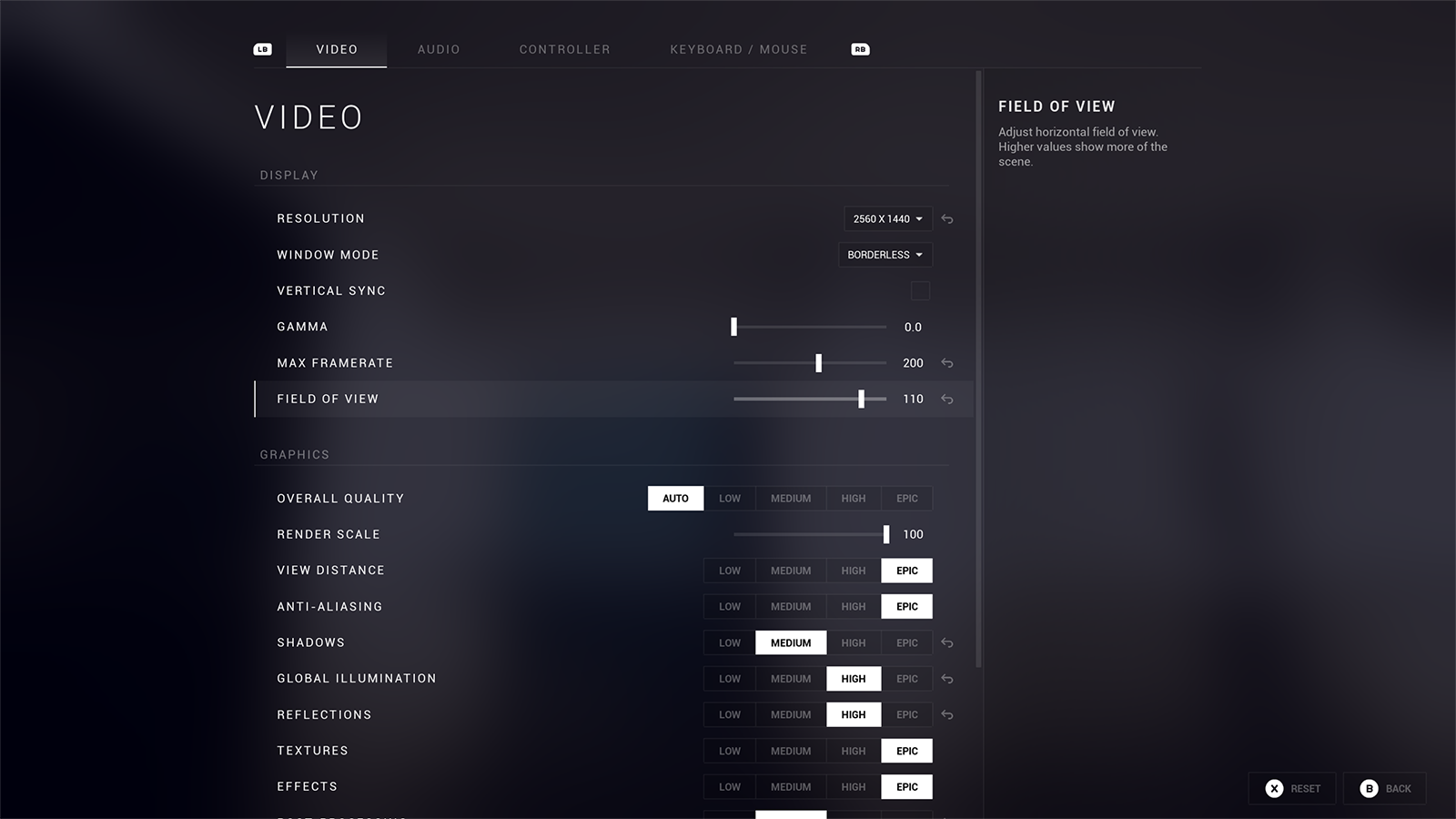
- Build your ownPlace setting widgets in your own UMG layout. Restyle them or create your own widget types, and connect settings to any system with binding strategies.Quick start
- Start from the exampleCopy the example project's menu into your game, with video and graphics, audio, keyboard and mouse, and gamepad pages, then restyle it.Migrate the example menu
Features
- Data-driven configurationDefine settings through assets and details panels.
- Settings persistenceSave to config files or integrate with your game's save system.
- Console variable integrationExpose scalability, VSync, max FPS, resolution and other engine settings.
- Input remappingPlayers rebind keyboard and gamepad controls at runtime.
- UI widget componentsUse the built-in widgets or create your own with custom styling.
- Per-player configurationIndividual settings for split-screen.