UE 4.25–5.8
Tether
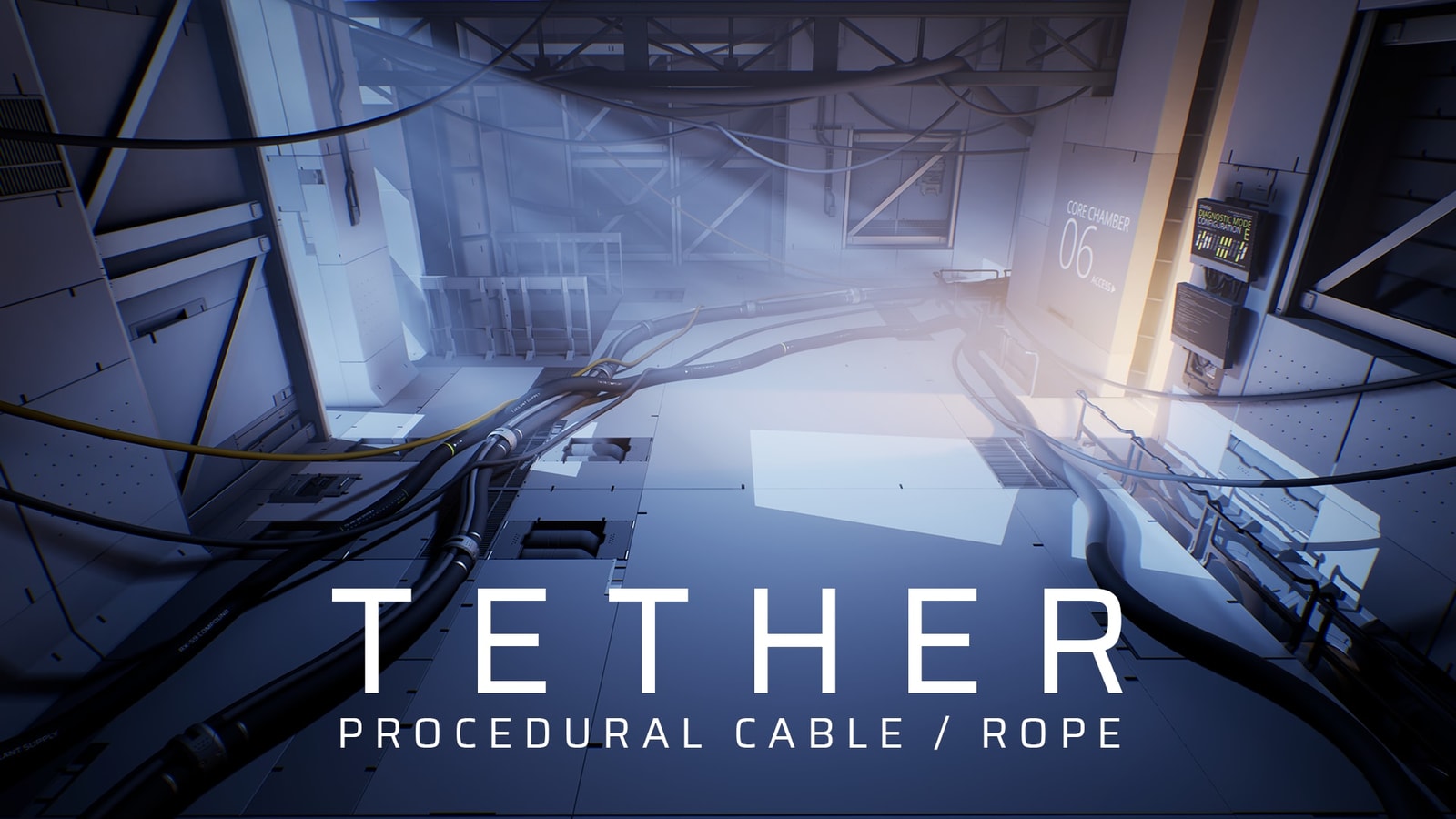
Create cables, ropes, chains, flexible pipes and other long bending objects in the editor. Place a path and Tether simulates it against the level and generates a static mesh.
How it works
- 01Place the pathClick points in the viewport or edit the Unreal spline.
- 02Adjust the shapeTune slack, tangents and connected segments.
- 03SimulatesAutomatically after every edit, so cables hang, coil and rest on the level.
- 04Builds the meshProcedural geometry or a deformed custom mesh, rebuilt with each simulation.
- 05Ship static outputCables ship as static meshes, with no simulation cost in game.
Features
- Tether Editing ModePlace and edit cables in the viewport.
- Non-destructive splinesEdit the path at any time.
- Background simulationSkips ahead to the settled result instead of playing out in real time.
- World collisionCables collide with the level while simulating.
- Procedural or custom meshesGenerate geometry or deform your own.
- Static mesh outputUse the result as a regular asset.